Finding the right construction accounting software can make a big difference in how smoothly your business runs. It’s not just about tracking money; it’s about making sure you know where every dollar is going on your projects. This software helps manage everything from job costs to payroll, keeping things organized and profitable. We’ve looked at some of the top options out there to help you pick the best fit for your company.
Table of Contents
Key Takeaways
- Specialized features like job costing and change order management are more important than general accounting tools for contractors.
- Real-time mobile access that connects field work to accounting reduces errors and offers immediate project financial views.
- Software that links up with your existing systems cuts down on manual data entry and makes information more accurate.
- Good onboarding and ongoing support help your team learn and use the new software faster.
- Pricing can differ a lot, so understanding the total cost helps you choose a solution that makes sense long-term.
1. QuickBooks Enterprise
QuickBooks Enterprise Contractor Edition is a pretty solid choice for small to mid-sized construction outfits. It’s a desktop program, but you can get it to work in the cloud, which is nice. It really tries to bridge that gap between just basic accounting software and those super-complicated ERP systems.
The real star here is the Job Costing Center. It’s like a central hub where you can keep an eye on how profitable each project is, right as it’s happening. You can track costs for materials, labor, and overhead, getting a clear picture of where the money is going for every single job. This is super helpful for staying on budget.

Change orders can be a headache in construction, but QuickBooks Enterprise has some built-in tools to make managing them a bit smoother. It helps with keeping track of everything and getting approvals, which can stop you from doing extra work without getting paid for it. It’s all about trying to keep things organized and prevent those surprise cost overruns.

Here’s a quick look at the pricing tiers:
| Plan | Monthly Cost | Users | Features |
|---|---|---|---|
| Gold | $175 | 1-40 | Core accounting, job costing, basic reporting |
| Platinum | $175 | 1-40 | Adds advanced inventory and reporting |
| Diamond | $175 | 1-40 | Includes cloud access, payroll, and time tracking |
They also have add-ons like Field Service Management for dispatching and QuickBooks Time for mobile tracking, which can really extend the software’s capabilities if you need them. Plus, they offer training specifically for construction workflows, which is a nice touch if you’re new to the software or need help with specific tasks like progress billing or work-in-process tracking. It’s a good option if you’re looking for specialized tools without jumping into a full-blown ERP right away. Understanding the essential elements of construction contracts is also key, and this software helps you track those costs.
2. Procore Financial Management
Procore Financial Management is a bit different from some of the other options out there because it really focuses on connecting your field teams directly to your project finances. It’s all about getting real-time data from the job site straight into your accounting system. No more waiting for paper timesheets or outdated reports. Your field crews can log hours and track expenses as they happen, which means your project managers get an instant picture of labor costs – usually the biggest expense for contractors.
This immediate visibility helps catch potential problems early. If a certain part of a job is running over budget, you can see it right away and make changes before it really hurts your profit. Procore claims users see about a 73% improvement in cost tracking and 70% more accurate forecasts, which sounds pretty good.
One of the standout features is how Procore plays nice with other software. It’s not just a standalone accounting tool; it integrates with pretty much any ERP system your back office is already using. They have over 15 pre-built connectors, so getting it set up usually isn’t a huge headache. When it’s linked up, financial data flows back and forth automatically between the field and the office. This cuts down on manual data entry and reduces mistakes. It means your contracts and change orders are always in sync with your budget, keeping everything consistent.
Here’s a quick look at what Procore Financial Management typically includes:
- Real-time Budget Tracking: See where every dollar is going as it’s spent.
- Automated Labor Cost Updates: Timesheet data instantly updates project budgets.
- Change Order Management: Keep track of changes and their financial impact.
- Forecasting Tools: Get a clearer picture of project profitability.
- Extensive Integrations: Connects with your existing ERP and other business software.
- Unlimited Storage and Users: No extra charges for more data or people.
Procore’s pricing is based on your Annual Construction Volume (ACV), which is the total value of all your projects. This means you’re paying based on the scale of your business, and they offer unlimited users and storage as part of the package. They also have options for multi-year contracts that can lock in rates and offer more flexibility.
While it’s a powerful tool, it’s worth noting that Procore’s pricing isn’t listed upfront like some simpler software. You’ll need to get a custom quote based on your ACV. But for companies looking to really bridge the gap between field operations and financial management, Procore is definitely worth a close look.
3. Foundation Software
Foundation Software is built specifically for contractors, and you can tell. They’ve been around for a while, over 30 years, so they really get the unique money stuff that comes with building things. It’s not just basic accounting; it’s accounting that’s tied right into your job costing. This means you can see exactly where every dollar is going on a project, which is pretty handy.
They have a bunch of built-in modules that just work together. You get your standard General Ledger, Accounts Payable, and Accounts Receivable, but they also have things like Purchase Orders and Subcontracts built-in. This helps you keep track of what you’ve committed to before the bills even show up. That’s a big deal for staying on top of things.
What really sets Foundation apart, though, are the add-ons. Their Payroll Management module is no joke. It handles all the complicated construction payroll stuff, like certified payroll and different union rules, which can be a real headache. And if you have a lot of equipment, their Equipment Management module lets you track usage, maintenance, and costs. No more guessing how much that excavator is really costing you.
Here’s a quick look at some of the core features:
- Job Costing: Detailed budgets and reports to track project expenses.
- Accounts Payable: Manage taxes, recurring invoices, and 1099s.
- Accounts Receivable: Handle AIA billing, percent complete, and retainage.
- Purchase Orders & Subcontracts: Monitor commitments before costs hit.
When you buy Foundation, you get a solid chunk of support included. New customers get training and six months of unlimited help. They have a pretty structured way of getting you set up, and their ongoing support is pretty good, with phone help and a decent online knowledge base. It feels like they actually want you to succeed with their software.
Pricing can vary quite a bit, from a couple thousand dollars up to $50,000, depending on what you need. If you go with their cloud option, it’s usually a few hundred to a few thousand dollars a month. It really depends on how many people are using it and which modules you pick.
4. CMiC Construction
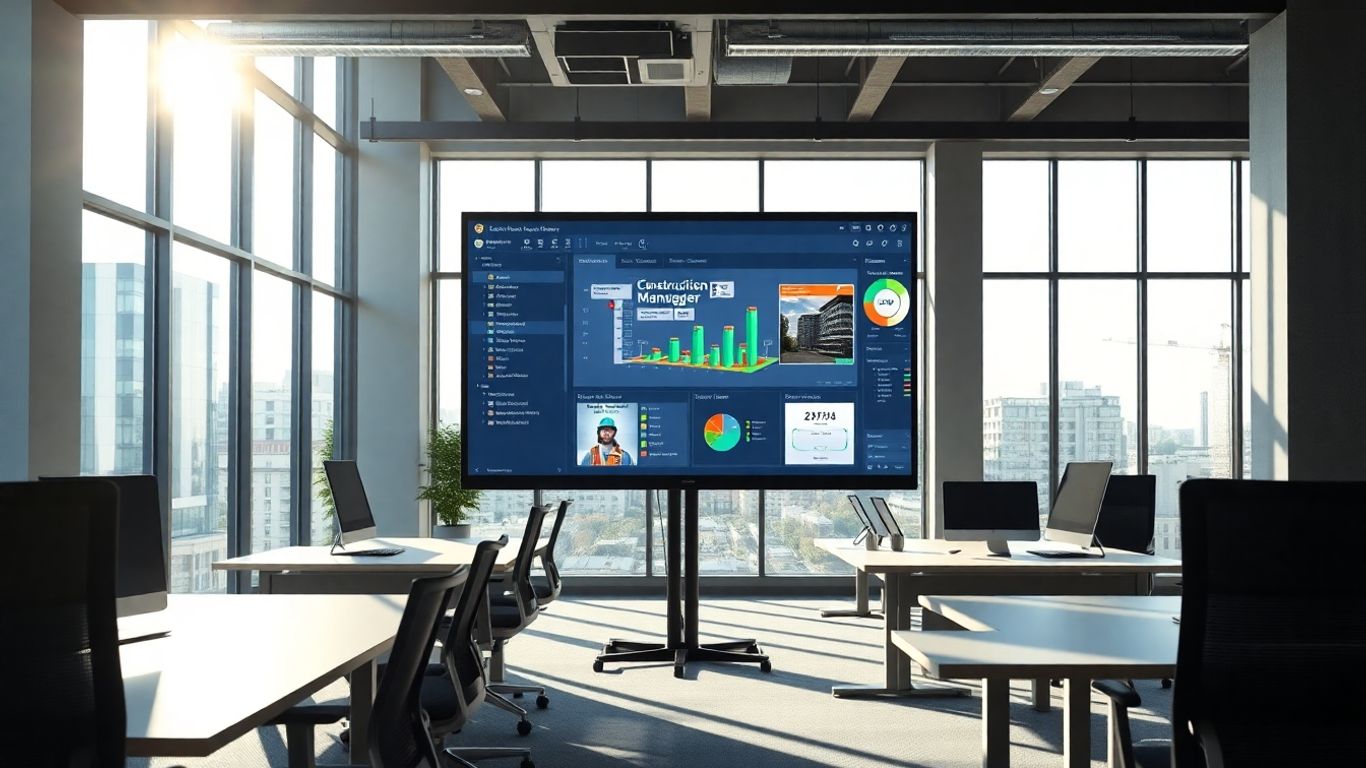
CMiC Construction is a pretty solid option if you’re looking for an all-in-one system. It’s designed specifically for construction, so it gets a lot of the unique stuff right. The big selling point here is their Single Database Platform™. Basically, all your project and financial information lives in one spot. No more jumping between different programs or trying to figure out which number is the most current. This really cuts down on mistakes and makes sure everyone on the team is looking at the same data.
It handles a lot of the day-to-day stuff, like accounting, payroll, and even equipment tracking. Plus, it’s got project management tools built-in, which is handy. They say a good chunk of the big construction companies use it, so it’s definitely built for scale.
Here’s a quick look at what it covers:
- Financial Management: Think accounts payable, accounts receivable, and keeping an eye on costs.
- Project Management: Tools for bidding, managing contracts, and keeping projects on track.
- Resource Planning: Figuring out who and what you need for each job.
- CRM: Managing customer relationships.
- Equipment Tracking: Keeping tabs on your machinery.
When you get CMiC, they have a structured way of setting it up, which they call the Conference Room Pilot approach. It sounds like they work with you closely to get it just right for your company, rather than just a generic setup. They also mention that teams see big improvements in how fast they can get things done and how accurate their data is because everyone can get to the information they need, pretty much from anywhere.
CMiC aims to get rid of those annoying data silos that plague so many construction businesses. By keeping everything in one place, it makes collaboration easier and gives you a clearer picture of your projects and finances in real-time.
5. Viewpoint Vista
Viewpoint Vista is a pretty solid choice if you’re looking for an ERP system that really ties your financial operations into what’s happening on the job site. It’s designed to help contractors keep tabs on their accounting and track project progress, especially with its job costing features. You can input budgets and change orders directly or pull them in from other project management tools. This means project managers can get a quick look at costs and dig into reports to make sure projects aren’t going over budget and are actually making money.
One of the standout parts is the Field Service module. It connects your technicians out in the field directly with the back office. They can log labor, equipment, and material costs right then and there, capturing signatures and approvals on the spot. This data then goes straight to accounting, speeding up billing and getting payments in faster. It really simplifies creating work orders and dispatching people, and you get completed work orders back for same-day billing.
Vista also offers mobile access and reporting through the Trimble Construction One platform. This is a big deal because construction teams often need financial data when they’re away from their desks. The mobile reporting gives you business-critical insights anytime, anywhere. Field teams can see real-time data, and costs logged on-site flow right back into Vista. The pricing for Vista reflects its enterprise capabilities, with implementation costs typically running into several thousand dollars, and licenses varying based on company size. Training is usually included with the implementation, which is a nice touch.
The software aims to connect financial data with project activities, helping contractors manage job costs and service operations effectively. It’s built to provide real-time financial information to project managers and field teams, streamlining workflows and improving accuracy.
6. Acumatica Construction
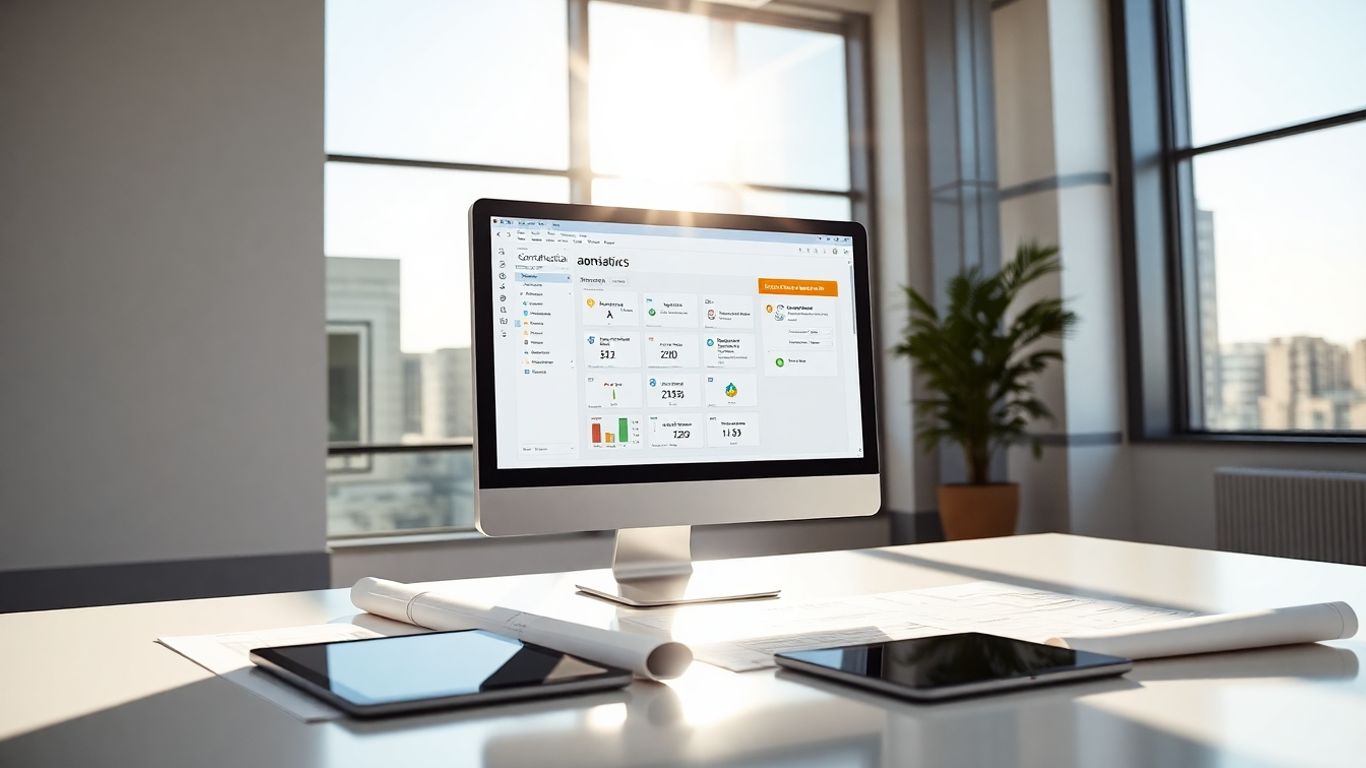
Acumatica Construction Edition is a cloud-based ERP system built specifically for the construction industry. It bundles together accounting, project management, payroll, and compliance tools into one package. Think of it as a central hub for all your construction business operations, whether you’re a general contractor, a home builder, or a land developer.
One of the big selling points is its real-time visibility. You can see exactly where your projects stand, what your budgets look like, and how profitable things are. This is super helpful because it connects all the main parts of your business – financials, job costing, contracts, purchase orders, and subcontracts – all in one place. Plus, it’s designed with mobile users in mind, so your field teams can get project updates, log timesheets, and send in daily reports right from their phones or tablets. This means everyone is working with the most current cost information across all your projects.
Acumatica uses a pricing model that’s based on how much you use it, not how many people are using it. This means you pay for the applications you implement and how much you use them. It’s a consumption-based model, so costs can change as your business grows or your needs shift. For many small to medium-sized businesses, the investment typically falls between $50,000 and $75,000, depending on what specific features they need. This approach means you’re not paying for features you don’t use, and there are no extra charges for adding more users. You can check out their annual subscription details for a starting point.
Key features include:
- AIA Billing
- Project Cost Tracking
- Certified Payroll
- Safety Compliance
- Bonding Reports
- Financial Management
- Project Management
The platform aims to automate payroll and reduce errors by integrating tax computations. This focus on accuracy and efficiency is a big deal in construction where margins can be tight and mistakes costly. The system connects all primary business functions, giving you a clear picture of your company’s financial health and project progress.
Acumatica also has a strong support network. They work through certified partners who help with everything from the initial setup and training to ongoing support. These partners are vetted to make sure they really know the software and your business needs. They also provide a lot of free training resources, like recorded sessions and documentation, which is great for getting your team up to speed.
7. CoConstruct
CoConstruct is a pretty solid choice if you’re looking to keep your clients and your team on the same page, especially when it comes to project communication and bids. It really tries to cut down on all those endless email chains and file sharing headaches that can bog down a project.
One of the standout features is its messaging system. Think of it like a digital filing cabinet for all your project conversations. You can attach files and photos right to the messages, and everyone gets instant alerts. The mobile app is handy too, sending push notifications so you can respond quickly, even if you’re out in the field. This kind of real-time connection can make a big difference in keeping projects moving smoothly.
For managing bids, CoConstruct has some neat tools. It has a built-in plan room where all your project files live, and you can give access to bidders without them needing to log in. It streamlines the whole process:
- Create bid requests straight from your estimates.
- Send notifications to subcontractors with just one click.
- Track who’s planning to bid using simple response buttons.
- Compare bids side-by-side to help you make a decision.
They offer a couple of pricing tiers, Standard at $99/month and PLUS at $399/month. The pricing is based on active job sites with client access, but you get unlimited storage and projects for estimates. Plus, they offer what they call "white glove implementation" with the PLUS plan, which sounds like they really hold your hand through the setup. New users get onboarding help, and their support team is available most weekdays. It seems like most people are pretty happy with the support they get, which is always a good sign.
CoConstruct really focuses on making communication easier between the office, the field, and the client. It’s designed to simplify the bidding process and keep all project-related information in one accessible spot.
8. BuilderTrend
BuilderTrend is a cloud-based platform that really tries to keep everyone on the same page, from the folks in the office to the crews out in the field, and even the clients and subcontractors. It aims to simplify construction accounting and make communication smoother.
One of the standout features is its Job Costing Budget. Think of it as a central spot where you can see how your project is doing financially. It pulls data from your estimates and syncs up with purchase orders and bills, which means less manual data entry and a clearer picture of where the money is going. This helps avoid those nasty surprises when a project runs over budget.
When it comes to getting paid, BuilderTrend’s Client Payments feature makes invoicing pretty straightforward. They offer different ways for clients to pay, like ACH or credit cards, and clients can even pay through a simple link without needing to sign up for anything. Plus, they’ve made it easy to pass on credit card processing fees if you want to do that, which can save you a bit of cash.
Here’s a quick look at some of the core functions:
- Job Costing: Get real-time updates on estimated versus actual costs.
- Payment Processing: Streamline invoicing and accept various payment methods.
- Risk Management: Helps keep projects on track financially.
- Document Storage: Keep all your project files accessible in the cloud.
BuilderTrend also connects with other popular software, like CRM tools. This is handy because it means you don’t have to enter the same homeowner information into multiple systems. It’s all about trying to cut down on extra work and keep things organized.
They have a couple of pricing plans, the Standard Plan and the PLUS™ Plan, which includes more hands-on setup. Both plans give you unlimited storage and project estimates, which is pretty nice.
9. ComputerEase
ComputerEase is a solid choice if your construction company needs to get a really good handle on job costing and certified payroll. It’s built to connect all your financial data, from the field right into the office. This software really shines when it comes to handling complicated payroll rules, especially certified payroll, across all 50 states. It automates a lot of that reporting, which is a huge relief for keeping up with compliance.
For tracking multiple projects, the job costing tools are pretty detailed. You can see exactly where the money is going for every part of a project, which helps you understand profitability better. It lets you post costs directly from invoices and payroll right to specific jobs. Plus, the FieldEase mobile app means your teams out in the field can access live data, enter timesheets, and manage service tickets without needing to be back at a desk.
Here’s a quick look at what it offers:
- Job Cost Tracking: Keep a close eye on expenses for each project.
- Payroll Processing: Handles complex payroll, including certified payroll.
- Service Management: Tools for field operations, especially for specialty contractors.
- Mobile Time Entry: Allows field teams to submit timesheets easily.
- Purchase Orders: Manage orders efficiently.
- Equipment Tracking: Keep tabs on your equipment.
The initial setup can involve a one-time cost, and pricing scales up based on the modules you choose and how many users you have. However, they do include comprehensive training and a good chunk of support time when you first buy the software. After that, you can get help through various channels like phone, email, and chat.
10. Sage 300 Construction and Real Estate
Sage 300 Construction and Real Estate, often referred to as Sage 300 CRE, has a long history in the construction software world, stemming from the well-known Timberline software. It’s built for companies that need serious accounting power and project management tools all rolled into one. This isn’t just basic bookkeeping; it’s designed to handle the complexities that come with construction projects, from the initial bid to the final invoice.
One of the standout features is its robust job costing. You can track everything related to a job – estimates, actual costs, change orders, purchase orders, and even production details. This level of detail helps project managers keep a close eye on profitability for each project. Plus, the payroll module is built to handle construction-specific needs, like union rules and multi-state taxes, which can be a real headache with other software. It really aims to connect all parts of your business, from the field to the office.
Sage 300 CRE offers a lot of flexibility. You can customize reports, and there are over 1,400 pre-built report formats available, which is pretty handy. They also have a large partner network, so if you need to extend the software’s capabilities with other apps, there are usually options available. The implementation process typically involves a business audit, training, and data migration, often completed within about six weeks, followed by a go-live period.
Here’s a quick look at what you might expect in terms of investment:
| Component | Estimated Cost Range |
|---|---|
| Software Licenses | $10,000 – $50,000 |
| Implementation | $5,000 – $20,000 |
| Annual Maintenance | 15-20% of software cost |
While the initial investment can seem significant, Sage 300 CRE is designed for scalability. The subscription model is per user, per month, but the total cost can add up, especially for larger teams. Some users have noted that renewal fees can increase over time, so it’s worth factoring that into your long-term budget.
Sage provides extensive training resources through Sage University, offering both beginner and advanced courses. This ensures your team can get the most out of the software, whether they’re new to construction accounting or looking to master specific features. For those in the real estate side of things, Sage also offers solutions to help streamline property management, keeping data centralized and simplifying accounting tasks. If you’re looking for a powerful, established system that can grow with your construction business, Sage 300 CRE is definitely worth a look.
Wrapping It Up
So, picking the right accounting software for your construction business isn’t just about crunching numbers. It’s about finding a tool that really gets how construction works, from the ground up. You need something that can handle job costing, keep track of changes, and maybe even deal with certified payroll without a fuss. Plus, making sure your field crew can connect with the office in real-time? That’s a big deal for staying profitable and avoiding those annoying mistakes. Don’t forget about how easily it plays with your other software – nobody wants to type the same thing twice. And when you’re getting started, good support and training can make all the difference. Take your time, look at what fits your budget and your team’s needs, and you’ll find a system that helps your business build a stronger financial future.
Frequently Asked Questions
What makes construction accounting software different from regular accounting software?
Construction accounting software is built for the building world. It helps track money spent on different projects over long periods, manages many contracts and suppliers, and makes sure companies follow special building rules. Regular accounting software usually doesn’t handle these specific needs as well.
What are the most important features to look for in construction accounting software?
The best software for builders has tools for tracking job costs, managing changes to projects (like extra work requests), handling special payroll rules (certified payroll), and letting people in the field update financial info right away. It’s also great if it connects with other tools you use.
How does using software in the cloud help construction companies?
Cloud software lets you see your financial information from anywhere, anytime. This means your team on the job site can make smart choices right there. It also makes it easier for everyone to work together, cuts down on typing in the same info over and over, and gives you the latest project money details.
Can contractors use cash basis accounting?
Yes, contractors can use cash basis accounting. But, it’s not always the best choice because it can make it tricky to keep track of all the project costs and create accurate money reports. Many prefer other methods that give a clearer picture of project finances.
What’s the benefit of construction accounting software for a business?
This type of software helps you keep a close eye on project expenses, manage your supplies, and send out bills easily. It can also speed up tasks like sending out paychecks, which saves you time. Plus, it helps you follow important rules, reducing the chance of getting into trouble.
Does Sage offer any software for real estate management?
Yes, Sage has tools that make managing properties simpler. You can keep all your property information in one place, handle accounting and budgets more easily, track repairs, and even let tenants pay bills online. It’s a complete system for managing properties.
Is it true that Sage bought the Timberline construction software?
That’s correct. Sage bought Timberline Software, which was a top program for construction accounting and project management, a while back. The software is now called Sage 300 Construction and Real Estate, but it still offers the same powerful money management features that Timberline users loved.
What’s the main advantage of using construction accounting software?
The biggest plus is that it connects what’s happening on the job site with the money management in the office. This helps companies make more money, run more smoothly, and avoid costly mistakes by having a clear view of all project finances in real-time.