Table of Contents
Choosing the best QuickBooks for small business is crucial for streamlining financial processes and supporting business growth. In today’s fast-paced tech environment, small business owners require reliable and user-friendly accounting software tailored to their specific needs. QuickBooks is a popular choice due to its seamless integration capabilities and trusted reputation.
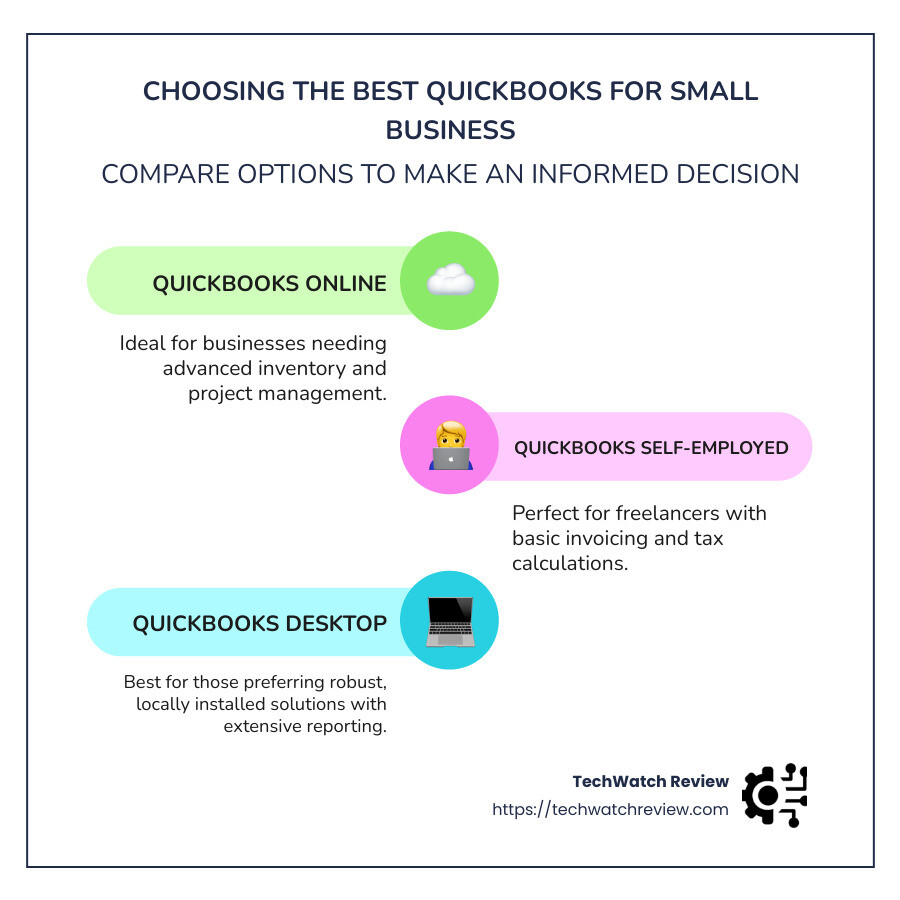
- QuickBooks Online: Ideal for businesses needing advanced inventory and project management. Learn more about QuickBooks Online features.
- QuickBooks Self-Employed: Perfect for freelancers, offering basic invoicing and tax calculations. Discover more about QuickBooks Self-Employed.
- QuickBooks Desktop: Best for those preferring robust, locally installed solutions with extensive reporting options. Explore QuickBooks Desktop solutions.
Selecting the right QuickBooks solution that aligns with your operational demands, size, and budget can significantly enhance operational efficiency, reduce errors, and allow you to focus on scaling your business. At TechWatch Review, we provide thorough and expert advice to help you find the most suitable QuickBooks for your needs, ensuring you stay ahead in this competitive market.
Learn more about best QuickBooks for small business:

QuickBooks Online: The Industry Standard
QuickBooks Online Plans
QuickBooks Online is a popular choice for small businesses due to its user-friendly and cloud-based platform. This means you can access your financial data anytime, anywhere. Whether you’re at the office or on the go, QuickBooks Online ensures you have the tools you need at your fingertips.
Advanced Capabilities: QuickBooks Online offers more than just basic accounting functions. It includes advanced capabilities like inventory management and job costing, which are essential for businesses that deal with products or need to track project expenses closely.
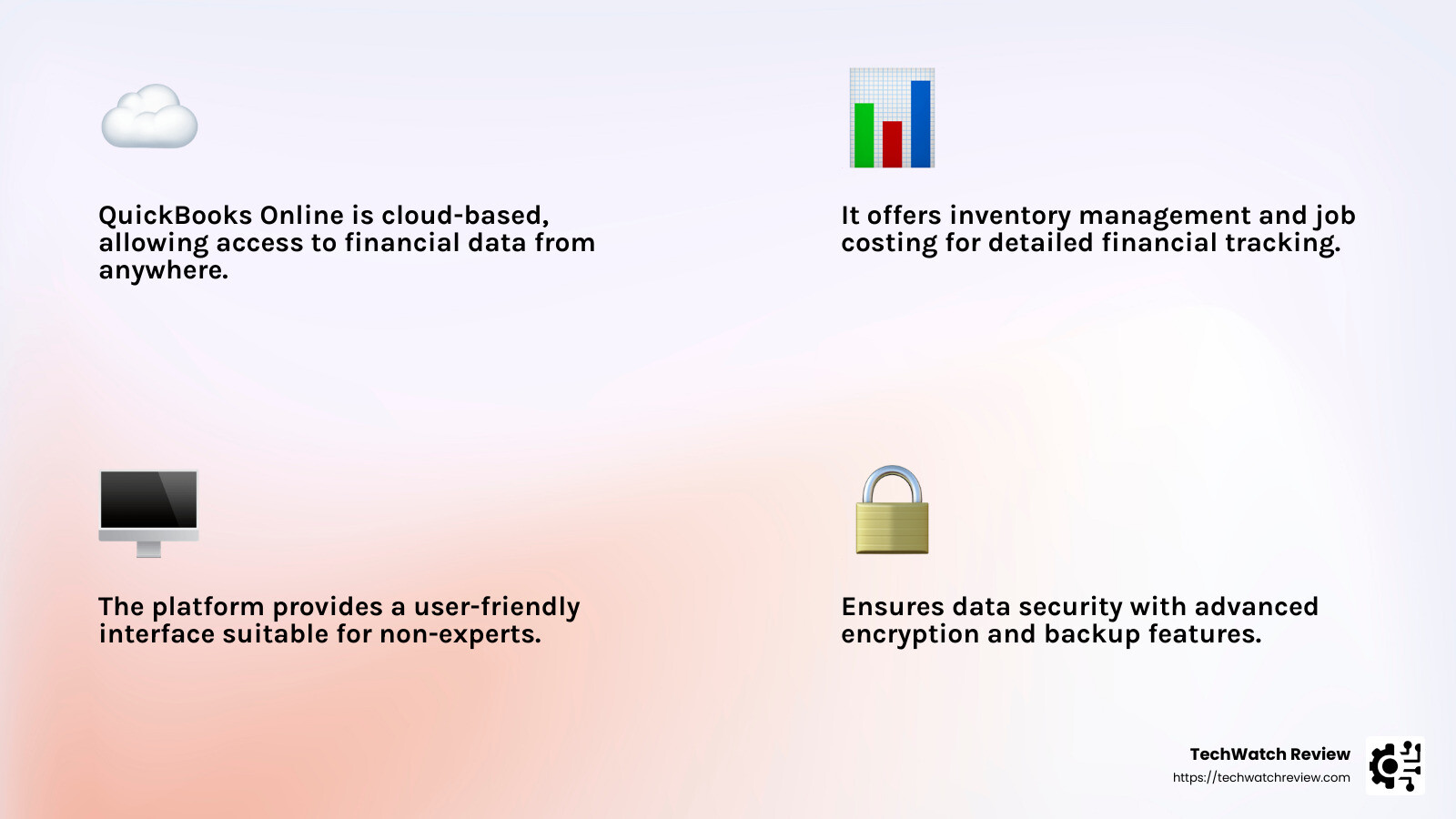
User-Friendly Interface: Even if you’re not an accounting expert, QuickBooks Online is designed to be intuitive. Many users appreciate how easy it is to steer the platform and perform complex tasks without feeling overwhelmed.
Pricing and Plans: QuickBooks Online offers several plans to fit different business needs and budgets:
-
Simple Start: Priced at $15 per month, this plan is great for solo entrepreneurs who need basic invoicing and expense tracking.
-
Essentials: At $30 per month, this plan adds features like bill management and time tracking, suitable for growing businesses.
-
Plus: For $45 per month, businesses can manage inventory and track project profitability, making it ideal for small to mid-sized businesses.
-
Advanced: At $100 per month, this plan offers premium features like accelerated invoicing and priority customer support, catering to larger businesses needing more robust solutions.
Each plan allows you to scale your accounting needs as your business grows. You can start small and upgrade as your requirements evolve.
Integration and Security: QuickBooks Online seamlessly integrates with over 650 business apps, enhancing its functionality and adapting to your specific needs. Security is a top priority, using encryption and other measures to protect your financial data.
By choosing QuickBooks Online, small businesses can streamline operations, reduce errors, and focus more on growth. With its flexible plans and comprehensive features, it’s no wonder QuickBooks Online is often considered the best QuickBooks for small business needs.
For more detailed comparisons between QuickBooks plans, you can explore resources like TechWatch Review’s guide.
QuickBooks Self-Employed: For Freelancers and Independent Contractors
QuickBooks Self-Employed is custom specifically for freelancers, gig workers, and independent contractors who need straightforward financial tools without the complexity of larger business solutions. Its features are designed to simplify the financial management of self-employed individuals who often juggle multiple roles.
Key Features
-
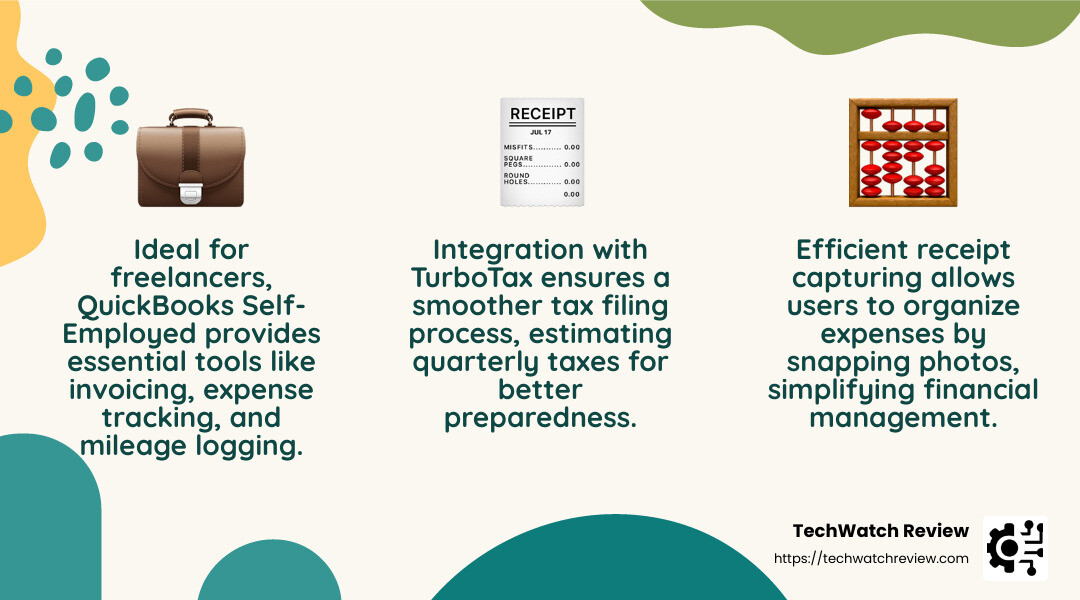
Basic Invoicing: QuickBooks Self-Employed allows users to create and send invoices directly from the platform. This feature is crucial for freelancers who need to bill clients quickly and keep track of payments.
-
Receipt Capture: The platform includes a handy feature for capturing and organizing receipts. Users can snap pictures of their receipts using the mobile app, which are then automatically categorized for easy expense tracking.
-
Mileage Tracking: One standout feature is the automatic mileage tracking, which is incredibly useful for freelancers who travel frequently for work. The app tracks trips and helps categorize them as business or personal, ensuring accurate deductions come tax time.
-
Tax Filing: QuickBooks Self-Employed simplifies tax season by estimating quarterly taxes and allowing users to export data directly into TurboTax. This integration is especially beneficial for those who want to streamline their tax filing process.
Affordability and Plans
QuickBooks Self-Employed offers three main plans, each designed to fit different needs and budgets:
-
Self-Employed: Priced at $7.50 per month, this plan covers the basics like invoicing, expense tracking, and mileage logging. It’s ideal for freelancers just starting out who need essential features without breaking the bank.
-
Self-Employed Tax Bundle: For $12 per month, this plan includes everything in the Self-Employed plan plus seamless integration with TurboTax, making it easier to file taxes and avoid surprises.
-
Self-Employed Live Tax Bundle: At $17 per month, this plan adds access to live tax advice from experts, providing peace of mind for those who want additional guidance during tax season.
Each plan offers a cost-effective solution for freelancers who need to manage their finances efficiently. The ability to start with a basic plan and upgrade as needed makes QuickBooks Self-Employed a flexible choice for independent contractors.
By focusing on the unique needs of freelancers, QuickBooks Self-Employed ensures that users have the tools they need to manage their financials without the complexity of larger business software. For more detailed comparisons, you can check out resources like TechWatch Review’s QuickBooks Self-Employed Guide. Additionally, you can explore Intuit’s official page for more information on QuickBooks Self-Employed.
QuickBooks Desktop: Robust Local Solutions
When it comes to locally installed accounting software, QuickBooks Desktop stands out as a comprehensive solution for small businesses that prefer their data stored on their own computers rather than in the cloud. This option is particularly appealing for businesses that require robust features like inventory tracking, detailed reporting, and industry-specific tools.
QuickBooks Desktop Versions
Pro Plus
QuickBooks Pro Plus is designed for small businesses with basic accounting needs. It includes essential features like invoicing, expense tracking, and simple inventory management. This version is perfect for businesses that need a straightforward solution without additional industry-specific tools. Pricing starts at approximately $349 per year, making it a cost-effective choice for small enterprises.
Premier Plus
For businesses that require more specialized features, QuickBooks Premier Plus offers industry-specific tools custom to sectors like manufacturing, contracting, and nonprofit organizations. This version provides advanced reporting capabilities and the ability to manage and track inventory more effectively. Premier Plus is priced from $549 per year, offering a balance of specialized features and affordability for medium-sized businesses.
Enterprise
QuickBooks Enterprise is the most comprehensive version, designed for larger businesses that need advanced inventory tracking and robust reporting features. It supports up to 30 users and includes features like advanced pricing and job costing, making it ideal for businesses with complex accounting needs. Pricing for Enterprise starts at $1,481 per year, reflecting its extensive capabilities and scalability.
Mac Plus
For Mac users, QuickBooks Mac Plus is the go-to choice, offering compatibility with Mac systems while providing the essential features found in Pro Plus. This version ensures that Mac users can enjoy the benefits of QuickBooks Desktop without sacrificing functionality. The pricing for Mac Plus is similar to Pro Plus, providing an affordable option for Mac-based businesses.
Key Features
-
Inventory Tracking: All desktop versions offer the ability to track inventory, which is crucial for businesses that sell products. This feature helps manage stock levels, track sales, and monitor inventory costs.
-
Advanced Reporting: QuickBooks Desktop provides a range of customizable reports to help businesses gain insights into their financial performance. Users can create reports custom to their specific needs, making it easier to track key metrics and make informed decisions.
-
Industry-Specific Tools: Premier Plus and Enterprise versions include tools custom to specific industries, providing features that address unique business requirements. These tools improve functionality and streamline processes for businesses in specialized fields.
In summary, QuickBooks Desktop offers a variety of versions to cater to different business needs. Whether you are a small business owner looking for basic accounting functions or a larger enterprise needing advanced features, there is a QuickBooks Desktop version that can meet your requirements. For more insights into how QuickBooks Desktop compares to other accounting solutions, check out TechWatch Review’s comprehensive guide.
Choosing the best QuickBooks for small business can be tricky, but understanding your business’s unique needs can make the decision easier. Whether you’re a freelancer, a small business owner, or running a larger enterprise, QuickBooks offers a variety of products custom to different requirements. Let’s dive into the factors you should consider when selecting the right QuickBooks version for your business.
Factors to Consider
Business Size and Industry
The size and nature of your business play a crucial role in choosing the right QuickBooks product. For freelancers and independent contractors, QuickBooks Self-Employed provides essential features like basic invoicing, receipt capture, and mileage tracking. It’s an affordable solution that simplifies tax filing, making it ideal for those with straightforward accounting needs. According to TechWatch Review, this is perfect for gig workers and solo entrepreneurs.
For small to medium-sized businesses, QuickBooks Online is a popular choice. It offers advanced capabilities like inventory management and job costing, which are essential for businesses with more complex accounting needs. With different plans like Simple Start, Essentials, Plus, and Advanced, QuickBooks Online can scale with your business as it grows. For more insights, check out TechWatch Review’s guide on QuickBooks Online.
Budget
Budget is another critical factor. QuickBooks offers various pricing tiers to fit different budgets. QuickBooks Online plans start as low as $15 per month, offering flexibility for businesses with tighter budgets. On the other hand, QuickBooks Desktop versions like Pro Plus and Premier Plus come with an annual fee, starting at around $349 per year. While they might be more expensive upfront, they provide robust features that might save money in the long run by improving efficiency and reducing errors. For a detailed comparison, visit TechWatch Review’s article on QuickBooks Desktop.
Scalability and Integration
As your business grows, your accounting needs will evolve. QuickBooks Online is known for its scalability, allowing you to upgrade your plan as your business expands. It also integrates seamlessly with over 750 apps, including CRM, ecommerce, and inventory management tools, enhancing its functionality and ensuring it grows with your business.
Meanwhile, QuickBooks Desktop offers powerful local solutions with industry-specific tools, making it a suitable option for businesses that prefer to keep their data on their own systems. However, it may not offer the same level of integration flexibility as its online counterpart.
Security
Security is paramount when handling financial data. QuickBooks Online provides cloud-based security, including encryption and regular backups, ensuring your data is secure and accessible from anywhere. For businesses that prefer to keep their data locally, QuickBooks Desktop provides robust security features, allowing you to control access and keep backups on your terms.
By considering these factors, you can choose a QuickBooks product that not only meets your current needs but also supports your business as it evolves. For more detailed comparisons and recommendations, explore TechWatch Review’s guide on QuickBooks Online vs. Desktop.
QuickBooks Alternatives
While QuickBooks is a popular choice for many small businesses, there are several alternatives that might better suit your needs depending on your specific requirements and budget. Let’s explore some of these options.
Zoho Books
Zoho Books is a comprehensive accounting solution known for its scalability and mobile app functionality. It offers features like automated workflows, project management, and inventory tracking, making it ideal for growing businesses. Zoho Books also provides seamless integration with other Zoho apps, creating a cohesive ecosystem for your business operations. For more insights on Zoho Books, you can visit TechWatch Review’s article on Zoho Books.
FreshBooks
FreshBooks is a great choice for freelancers and service-based businesses. It excels in invoicing and time tracking, allowing users to send professional invoices and track billable hours with ease. FreshBooks is known for its user-friendly interface and strong customer support, making it a favorite among self-employed individuals and small teams. Learn more about FreshBooks in TechWatch Review’s FreshBooks overview.
Xero
Xero is particularly beneficial for small to medium-sized businesses that require unlimited user access. It offers robust features like fixed asset management, payroll integration, and comprehensive reporting. Xero’s strong suit is its ability to handle multi-currency transactions, which is a plus for businesses with international dealings. Check out TechWatch Review’s guide on Xero for more details.
Wave Accounting
Wave Accounting stands out as a free alternative, offering essential accounting features like invoicing, receipt scanning, and expense tracking at no cost. It’s perfect for small businesses and startups with basic bookkeeping needs. While Wave’s features are somewhat limited compared to paid software, its affordability makes it a popular choice for those on a tight budget. For a deeper dive, see TechWatch Review’s Wave Accounting analysis.
Sage
Sage 50 is a robust desktop accounting solution, ideal for businesses that require multi-company accounting. It provides industry-specific tools and advanced reporting capabilities, making it suitable for more complex accounting needs. Sage also offers cloud-based solutions, providing flexibility for businesses that prefer a hybrid approach. Explore more about Sage in TechWatch Review’s Sage 50 review.
Comparison
| Software | Best For | Key Features | Price |
|---|---|---|---|
| Zoho Books | Growing businesses | Automation, project management, inventory | Starts at $12/month |
| FreshBooks | Freelancers | Invoicing, time tracking | Starts at $15/month |
| Xero | SMBs with multiple users | Multi-currency, unlimited users | Starts at $13/month |
| Wave Accounting | Startups | Free invoicing, expense tracking | Free |
| Sage 50 | Multi-company accounting | Advanced reporting, industry tools | Varies |
Each of these alternatives offers unique features that might align better with your business needs compared to QuickBooks. Consider factors like your business size, industry, and specific accounting requirements when choosing the best solution. For more detailed comparisons, check out TechWatch Review’s guide on the best accounting software options.
Frequently Asked Questions about QuickBooks for Small Business
What is the easiest QuickBooks to use?
For those new to accounting software, QuickBooks Simple Start is often considered the easiest to use. It’s perfect for freelancers, gig workers, and solo entrepreneurs who need to manage basic financial tasks without getting overwhelmed. This plan offers essential features like invoicing, expense tracking, and income management, all wrapped in a user-friendly interface. As one user noted, “The software is very easy to use, even for people who do not have an accounting background,” making it an ideal starting point for many small business owners. Learn more about QuickBooks Simple Start.
Is QuickBooks good for small LLCs?
Yes, QuickBooks is a great fit for small LLCs. It offers robust features that facilitate payments, invoicing, and expense tracking, which are crucial for maintaining financial health. QuickBooks also provides an easy setup process, helping small LLCs get up and running quickly. A user review highlighted that “QuickBooks gives us real-time insight into our business operations,” which is essential for LLCs to stay on top of their finances. For LLCs looking for an efficient way to manage their books, QuickBooks offers a comprehensive solution. Read more about using QuickBooks for LLCs.
How much does QuickBooks cost for a small business?
QuickBooks offers various subscription levels to cater to different business needs and budgets. Here’s a breakdown of the main QuickBooks Online plans:
-
Simple Start: Priced at $25/month, it’s perfect for solo entrepreneurs needing basic features.
-
Essentials: At $50/month, this plan adds bill management and supports up to three users.
-
Plus: For $80/month, it includes project tracking and inventory management, accommodating up to five users.
-
Advanced: At $180/month, it offers advanced reporting and support for up to 25 users, making it suitable for growing businesses.
Each plan is designed to scale with your business, providing more features as your needs grow. Understanding the pricing and features of each plan helps you choose the best QuickBooks for small business. For more details on pricing, visit TechWatch Review’s guide.
Choosing the right QuickBooks for your small business can significantly impact your financial management and overall business success. With options like QuickBooks Online, QuickBooks Self-Employed, and QuickBooks Desktop, there’s a solution custom to fit various business needs, whether you’re a freelancer, a small LLC, or a growing enterprise.
QuickBooks Online is often the go-to choice for small businesses due to its user-friendly, cloud-based platform that offers accessibility and advanced capabilities like inventory management and job costing. It’s especially beneficial for businesses that require real-time collaboration and access from anywhere. For more insights on cloud-based solutions, check out our article on cloud accounting software.
For freelancers and independent contractors, QuickBooks Self-Employed provides essential tools like basic invoicing, receipt capture, and mileage tracking at an affordable price. This version helps streamline tax filing and manage expenses efficiently, making it ideal for those who need a straightforward solution. Learn more about managing expenses in our guide on expense tracking tools.
QuickBooks Desktop offers robust local solutions with industry-specific tools and detailed reporting. It’s a solid choice for businesses that prefer locally installed software with comprehensive features for inventory tracking and financial analysis. Explore more about desktop solutions in our article on desktop accounting software.
When selecting the best QuickBooks for small business, consider factors such as business size, industry, budget, scalability, security, and integration capabilities. Each version of QuickBooks is designed to cater to different needs, ensuring you can find the right fit for your unique business requirements.
If you’re exploring alternatives or need more insights on small business software, visit TechWatch Review for expert reviews and comprehensive information to help you make informed decisions.


