Table of Contents
Medical office billing software is crucial for enhancing the efficiency of administrative tasks in healthcare practices. This software streamlines processes such as scheduling appointments, managing claims, and handling payments, thereby boosting overall productivity.
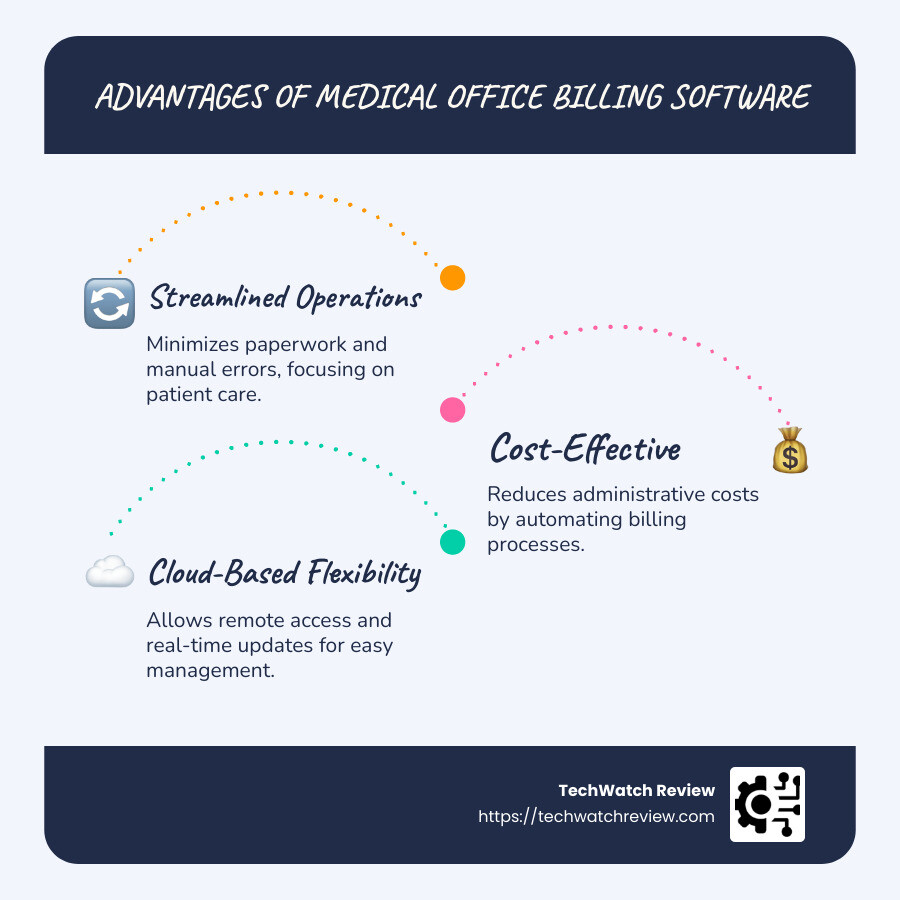
- Streamlined Operations: Reduces paperwork and minimizes manual errors, allowing staff to dedicate more time to patient care.
- Cost-Effective: Lowers administrative expenses by automating billing processes and reducing the need for extensive IT support.
- Cloud-Based Flexibility: Provides remote access and real-time updates, enabling healthcare providers to manage billing from any location.
Billing software not only enhances efficiency but also ensures compliance with privacy and healthcare regulations. By replacing outdated manual systems, these platforms facilitate quicker reimbursements and more precise financial tracking, ultimately supporting a practice’s financial health.
Robin from Mountain View Billing states, “RXNT really takes pride in what they do and treat you like family,” highlighting the value of using reliable billing solutions.
For more insights, explore our billing software for doctors, list of medical billing software, and medical software list.

Best Medical Office Billing Software
Choosing the right medical office billing software can significantly improve the efficiency of a healthcare practice. Here, we explore some of the top products available, each offering unique features to meet various needs.
DrChrono: Best Overall
DrChrono stands out as the best overall option for medical billing software. It’s a cloud-based platform that integrates seamlessly with electronic health records (EHR) to streamline practice management. DrChrono offers customizable pricing plans, allowing practices to select features that best suit their needs. This flexibility makes it a versatile choice for practices of all sizes. The software’s comprehensive patient management portal ensures that all aspects of patient care, from scheduling to billing, are handled efficiently. You can learn more about DrChrono’s offerings by visiting DrChrono.
Kareo: Best for Small Practices
For small medical practices, Kareo is an ideal choice. It provides robust integration capabilities, making it easy to connect with existing practice management systems. Kareo excels in patient management, offering tools that simplify appointment scheduling and patient communication. This integration ensures that small practices can maintain high levels of patient care without being bogged down by administrative tasks. More information about Kareo can be found at Kareo.
CureMD: Best for Large Practices
CureMD is highly recommended for larger practices that require scalable solutions. It offers extensive support assistance to help practices manage their billing operations efficiently. With its scalable features, CureMD can accommodate the growing needs of large healthcare organizations, ensuring they can handle increased patient volumes and complex billing scenarios. Find out more about CureMD’s capabilities at CureMD.
AdvancedMD: Best Patient Portal
AdvancedMD is known for its exceptional patient portal, which improves patient engagement and management. The software includes advanced scheduling tools that help practices reduce no-shows and optimize appointment slots. With its focus on patient management, AdvancedMD ensures that both patients and healthcare providers have a seamless experience. Learn more about AdvancedMD by visiting AdvancedMD.
CareCloud: Best for Integration
For practices seeking seamless integration with their existing systems, CareCloud is a top choice. Its cloud-based platform offers comprehensive practice management solutions that integrate easily with other healthcare software. This integration capability ensures that all aspects of a practice’s operations, from billing to patient care, are connected and efficient. More details on CareCloud can be found at CareCloud.
Each of these top medical office billing software options offers unique features custom to different practice sizes and needs. Whether you prioritize overall functionality, patient management, or seamless integration, there is a solution that fits your practice’s requirements.
Key Features to Look for in Medical Billing Software
When selecting medical office billing software, it’s crucial to focus on features that improve efficiency and streamline operations. Here are some key features to consider:
Integration with EHR Systems
Integration with Electronic Health Records (EHR) systems is essential for maintaining continuity of care. By linking billing software with EHR, patient data flows seamlessly between systems, reducing manual entry and minimizing errors. This integration ensures that medical records, billing information, and patient histories are synchronized, promoting efficient care delivery. Practices using integrated systems report improved workflow and improved patient satisfaction. For more insights on EHR integration, check out this article on TechWatch Review.
Automated Claims Processing
Automated claims processing is a game-changer for medical practices. This feature reduces the time and effort required to submit claims to insurance companies. By automating the claim submission process, practices can achieve faster reimbursements and minimize claim rejections. Automated systems also help in tracking claims, ensuring that any discrepancies are quickly identified and resolved. This leads to a smoother revenue cycle and less administrative burden for staff.
Financial Reporting and Analytics
Understanding your practice’s financial health is vital. Financial reporting and analytics tools provide real-time insights into revenue streams, expenses, and overall financial performance. These tools use business intelligence to identify trends, uncover hidden revenue opportunities, and support informed decision-making. With interactive dashboards, practices can easily monitor key performance indicators (KPIs) and make data-driven adjustments to optimize profitability. Learn more about financial analytics in this TechWatch Review article.
Patient Payment Solutions
Efficient patient payment solutions are crucial for reducing uncollected payments and shortening days in accounts receivable (A/R). Online payment portals offer patients convenient ways to settle their bills, improving collection rates. Additionally, automated reminders and payment plans can help patients manage their financial responsibilities, resulting in improved cash flow for the practice. These solutions not only improve patient satisfaction but also contribute to a healthier bottom line. For more on patient payment solutions, visit TechWatch Review’s guide.
Benefits of Cloud-Based Medical Billing Software
Cloud-based medical billing software offers several advantages that can transform the way medical practices operate. Let’s explore the key benefits:
Maintenance and Upgrades
One of the standout benefits of cloud-based systems is the reduction in IT costs. Traditional on-premise systems require dedicated servers and ongoing maintenance, which can be costly and time-consuming. Cloud-based solutions eliminate the need for in-house servers by operating on remote servers. This means that maintenance and upgrades are handled by the software provider, freeing up your resources and ensuring that your system is always up-to-date with the latest features and security patches.
Security and Compliance
Security is a top priority when dealing with sensitive patient information. Cloud-based billing software is designed to meet stringent security standards, including data encryption and HIPAA compliance. These systems ensure that patient data is protected both at rest and in transit. Additionally, regular backups are performed to safeguard data against loss or corruption, providing peace of mind that your practice’s information is secure.
Mobile Access
The rise of mobile computing has made flexibility a necessity in the healthcare industry. Cloud-based software allows healthcare professionals to access billing systems from any device with an internet connection, whether it’s a desktop, tablet, or smartphone. This mobile access enables practitioners to manage their billing processes from virtually anywhere, enhancing productivity and allowing for more responsive patient care. As a result, practices can operate more efficiently and adapt to the dynamic needs of their patients.
Top 3 Types of Medical Billing Systems
When it comes to managing billing in medical practices, selecting the right system is crucial. The integration, flexibility, and control offered by these systems can significantly impact your practice’s efficiency. Let’s explore the three main types of medical billing systems: open, closed, and isolated systems.
Open Systems
Open systems are known for their flexibility and interoperability. They allow seamless integration with other software applications and electronic health record (EHR) systems. This means that patient data can flow freely between different platforms, providing a comprehensive view of patient care. The ability to easily integrate with third-party applications makes open systems highly adaptable to the unique needs of each practice. However, this flexibility comes with the need for robust security measures to protect sensitive patient information from unauthorized access. For more insights on practice management software, you can explore TechRadar’s guide.
Closed Systems
Closed systems offer a high degree of security and control. These systems operate within a confined environment, limiting access to only authorized users. This setup ensures that sensitive patient data is well-protected, making closed systems an attractive option for practices prioritizing data security. However, the downside is their limited access to external applications and systems, which can restrict the flow of information and reduce flexibility. Practices using closed systems may find it challenging to share data with other healthcare providers or integrate new technologies.
Isolated Systems
Isolated systems are designed for independence and customization. They operate as standalone systems, not requiring integration with other software. This independence allows practices to tailor the system to their specific workflows and preferences. While this level of customization can be beneficial, it also means that isolated systems may lack the ability to easily exchange information with other platforms. Practices using isolated systems might face challenges in achieving interoperability and may need to manually input data into other systems, which can be time-consuming.
Choosing the right type of medical billing system depends on your practice’s specific needs. Consider whether flexibility, security, or customization is your top priority, and select a system that aligns with your operational goals. Each type of system offers unique advantages and potential drawbacks, so evaluate what will best support your practice’s billing processes and overall efficiency.
Frequently Asked Questions about Medical Office Billing Software
What is the most used medical billing software?
One of the most widely used medical office billing software solutions is Allscripts. This software is popular due to its robust integration capabilities. Allscripts seamlessly connects with electronic health record (EHR) systems, allowing for efficient management of patient data and billing processes. Its integration features make it a preferred choice for practices looking to streamline operations and improve overall efficiency. For more information, you can visit Allscripts’ official website.
What are the benefits of cloud-based billing software?
Cloud-based billing software offers numerous advantages, making it a popular choice for medical practices. One of the key benefits is remote access. With cloud-based solutions, healthcare providers can access billing information from anywhere, using any device. This flexibility is particularly valuable in today’s remote work environment.
Moreover, cloud-based systems reduce maintenance and IT costs. Since the software is hosted on remote servers, practices don’t need to invest in expensive hardware or worry about system updates. The provider handles all maintenance and upgrades, ensuring the software is always up-to-date.
Security is another significant benefit. Cloud-based solutions often include advanced data encryption and are designed to comply with regulations like HIPAA, ensuring patient information is kept safe and secure. For a deeper dive into cloud-based solutions, check out this article on cloud security.
How does medical billing software improve practice revenue?
Medical billing software improves practice revenue in several ways. First, automation plays a crucial role. By automating repetitive tasks such as claims processing and patient billing, practices can reduce errors and speed up the billing cycle.
Efficient claims processing is another advantage. Automated systems can quickly verify claims for accuracy and compliance, reducing the likelihood of denials and ensuring faster reimbursement from insurance companies.
Finally, the software provides detailed financial reporting and analytics. These tools offer insights into the practice’s financial health, helping administrators identify trends and make informed decisions. By understanding key revenue indicators, practices can optimize their billing processes and improve cash flow. For more insights on enhancing your practice’s efficiency, check out TechWatch Review’s blog articles.
In summary, selecting the right medical office billing software is essential for optimizing your practice’s efficiency and financial health. With the right tools, medical practices can streamline their billing processes, reduce errors, and improve revenue. Options like DrChrono, Kareo, and CureMD offer custom solutions for different practice sizes and needs, ensuring that each practice can find a system that fits their unique requirements.
TechWatch Review is committed to providing comprehensive and up-to-date insights into the latest technology products. Our expert reviews and articles are designed to help you make informed decisions, ensuring that you choose the best software solutions for your practice. By leveraging our resources, you can steer the complex world of healthcare software with confidence.
For more detailed insights and comparisons on healthcare software, visit our blog articles. Our mission is to help you stay informed and make the best choices for your practice’s success.